
Promote your company with Google My Business
Google My Business is an important platform for any business that wants to be found online.







SMS Marketing is used by companies for various purposes. However, the main objective is undoubtedly the sending of promotional campaigns in order to sell and promote the products and / or services.
However, this form of communication works when the message is sent at the right timing. For example, sending an SMS at midnight will not bring the expected results and will bring a bad reputation to the company as it will annoy people. Similarly, when you want to send promotional campaigns, you should send the messages before the campaigns begin, so that people have time to decide to buy.
This is the best time to send SMS Marketing, as this is when people check for updates and messages on their phone, both sms and emails. It is also when they have more time to read the messages and even make a purchase online.
From 5 pm, people are leaving work, wanting to get home and eat. After 9 pm, they are less likely to shop online as they are getting ready for bed. Even if SMS encourages purchase, they may want to leave it for the next day and eventually forget it. In addition, sending messages at this time will make a bad impression on people, as, as mentioned, they will feel uncomfortable.
Again, morning is the best time to send SMS, because after 1 pm on Saturday, people tend to be with family and friends. Therefore, in the morning customers are more likely to shop online.
On Sunday you can also send SMS to give people time to think about shopping. Instead of sending from 8am, send from 9am.
Avoid this time. People are relaxing and will not react positively to sending their campaigns.
January sales usually start right after Christmas. So sending SMS campaigns on December 26th and some throughout January can help increase sales.
On this day, companies earn a lot because of gifts. So send ideas to your customers or encourage them to make purchases.
Send the promotions about a week in advance so people can think of gifts to their parents.
Similar to January sales, sending SMS to people can help boost sales during sales.
This is the biggest day of the year for stores. Send SMS to your customers days before or even weeks before, reminding you of Black Friday.
At this time, companies are preparing very aggressive campaigns. With so much competition, it can be difficult to make your business stand out. However, sending timely messages can reach people who need to buy gifts for family and friends faster.
More and more personalized birthday messages are being sent by companies. With the help of suitable SMS Marketing tools, you can plan your birthday messages to be sent on the right dates.
Now that you know the best time to send SMS Marketing, start preparing your campaigns and send them on time!

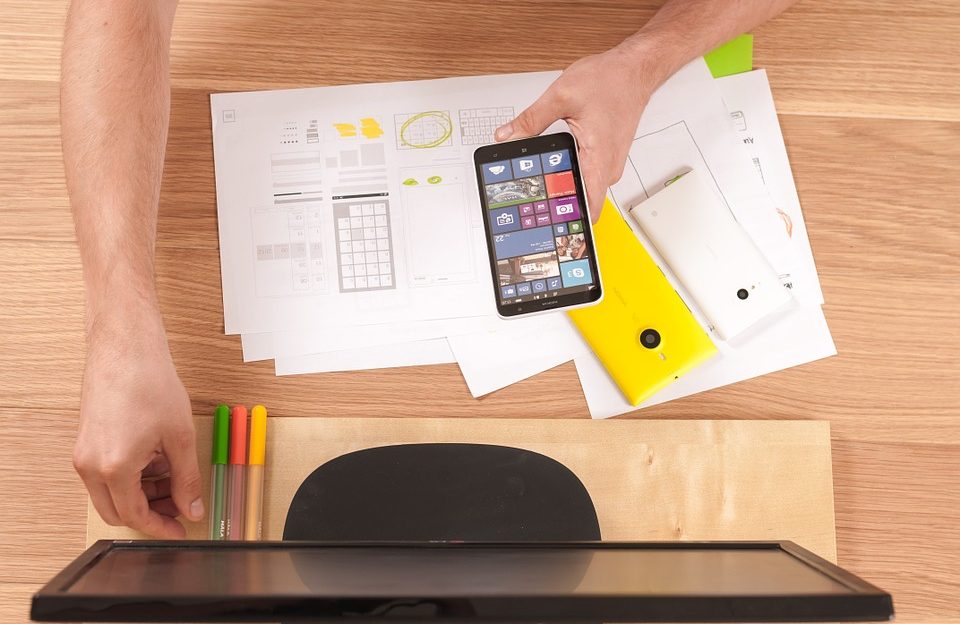
When designing a website, we must pay attention to adapting to mobile devices. Nowadays, it is unthinkable to have a site that doesn't work on smartphones and tablets, as people increasingly use these devices instead of computers. So in this article we give you a checklist to keep in mind when creating a mobile UX Design strategy.
What does this mean? All the features of your website must be easy to touch. Therefore, as people are not using a computer mouse, you need to take this into account.
On smaller screens, it may be more difficult to see what is written and the buttons people should click on. Also, if they are too small, it is difficult to click on them.
As in the previous point, make sure that it is easy to read the text on the smartphone. Not a good sign when users have to increase content to read.
Place all menus, call to actions, and other buttons in visible, easily accessible locations on the screen area.
Terms and conditions, business location, contacts, values, and similar information should be in the footer. Remember that the most important and flashy information must be above.
Text images are harder to read on smartphones.
This will increase the interaction, as it will be much more interesting to view your images on a mobile device.
Make people have to write as little as possible, because it's harder to write on a smartphone or tablet!
With these tips, your mobile UX Design strategy will be more successful!